
How do I create the hiring team?
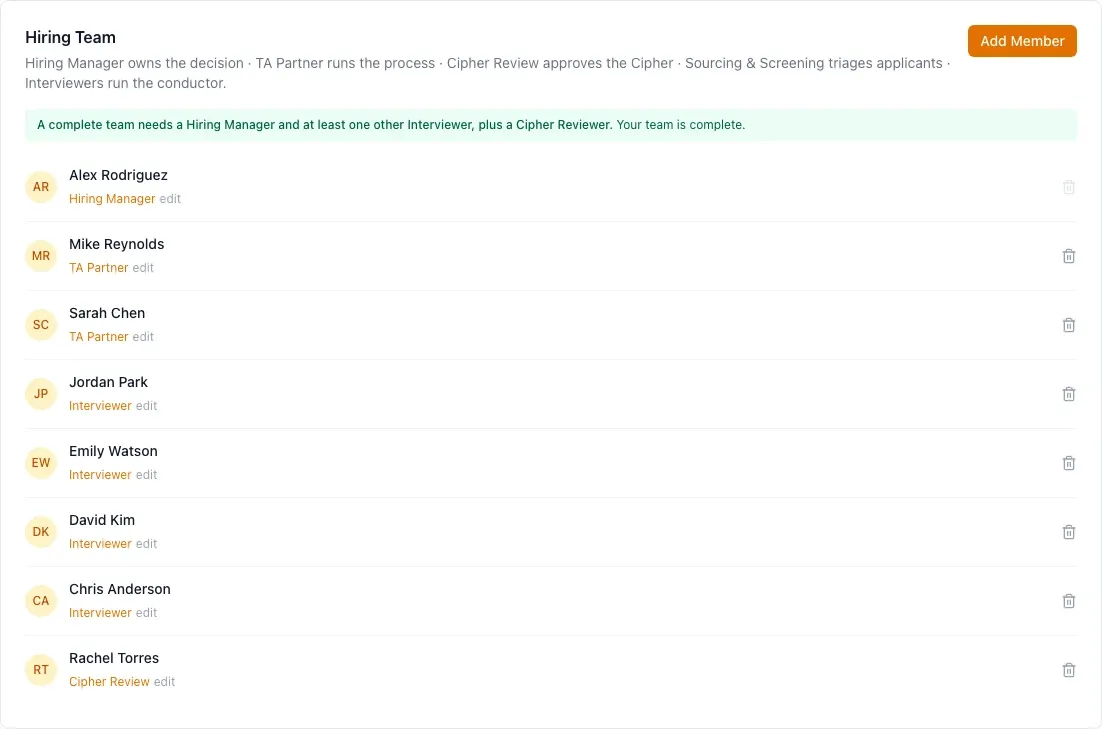
When you create a job, you name its Hiring Manager, and HireBest adds them to the hiring team. To add more people:
- Open the job and click the Settings tab.
- In the Hiring Team section, click Add Member.
- Choose the person from the list. The list shows the members of your organization. If the person is not there yet, an Admin must invite them first. See How do I add a colleague?
- Give them at least one hiring team role, then add them.
Your new hiring team member gets a notification, and an email if their notification settings allow it, telling them they were added to the team and with which roles.
The job's Hiring Manager, its TA Partner, and Admins can change the hiring team. See What are the roles on a hiring team? and Create and configure a job.