
Create and configure a job
Create the workspace your hiring team will use for the role. The job brings the Cipher, candidates, interview plan and hiring evidence together.
Who can do this
Organization administrators and colleagues who can create jobs can start the process. Editing an existing job is available to organization administrators and the hiring manager or talent acquisition partner assigned to that job.
Before you begin
Have the job title, location, working arrangement and seniority level ready. Decide who will act as hiring manager and, where your organization uses the role, talent acquisition partner.
Create the job
-
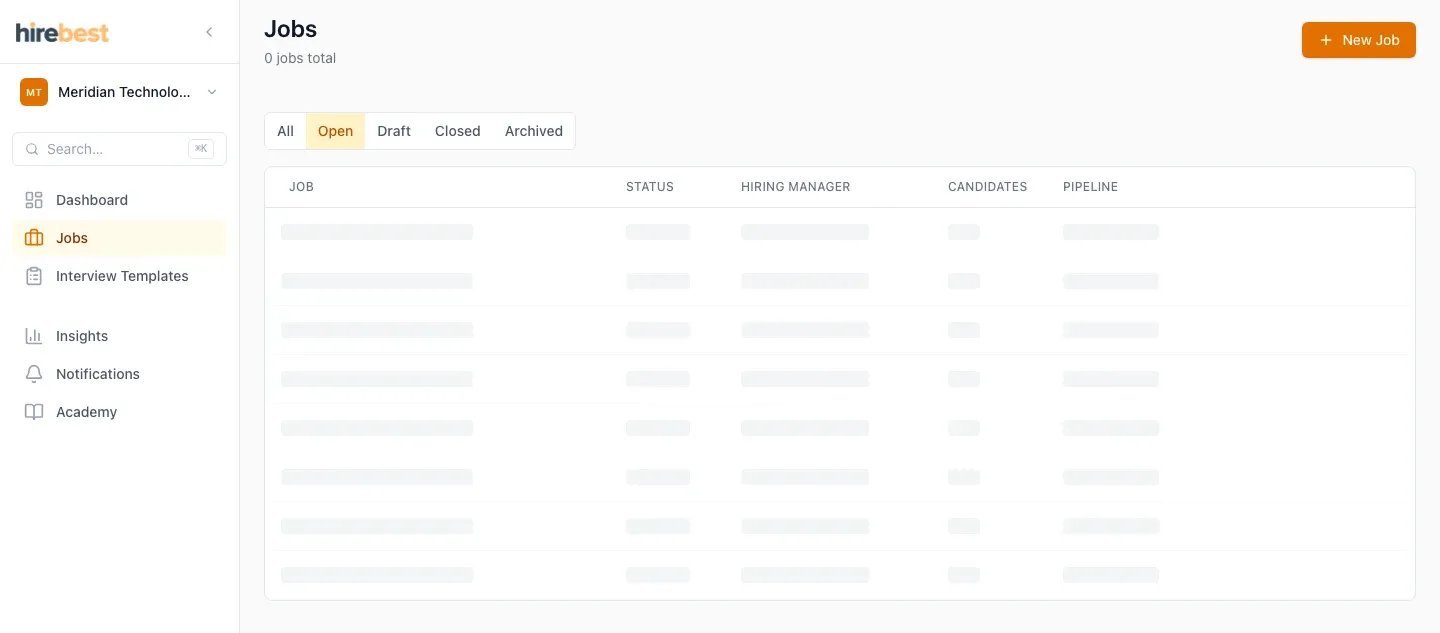
Open Jobs from the main navigation.
-
Select New job.

-
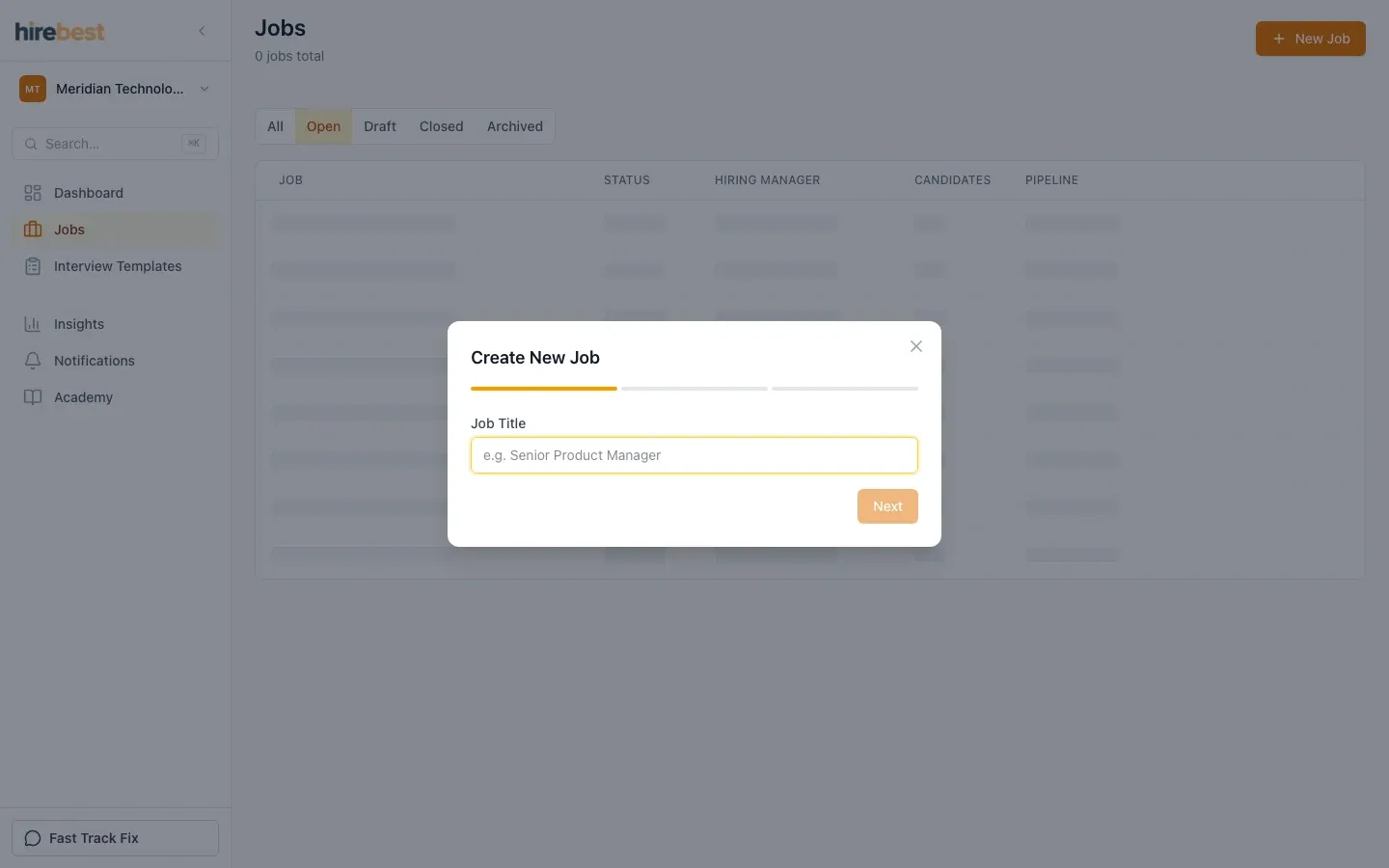
Enter the role details shown in the form. Use the hiring team step to choose the accountable colleagues where it is available, then create the job.
-
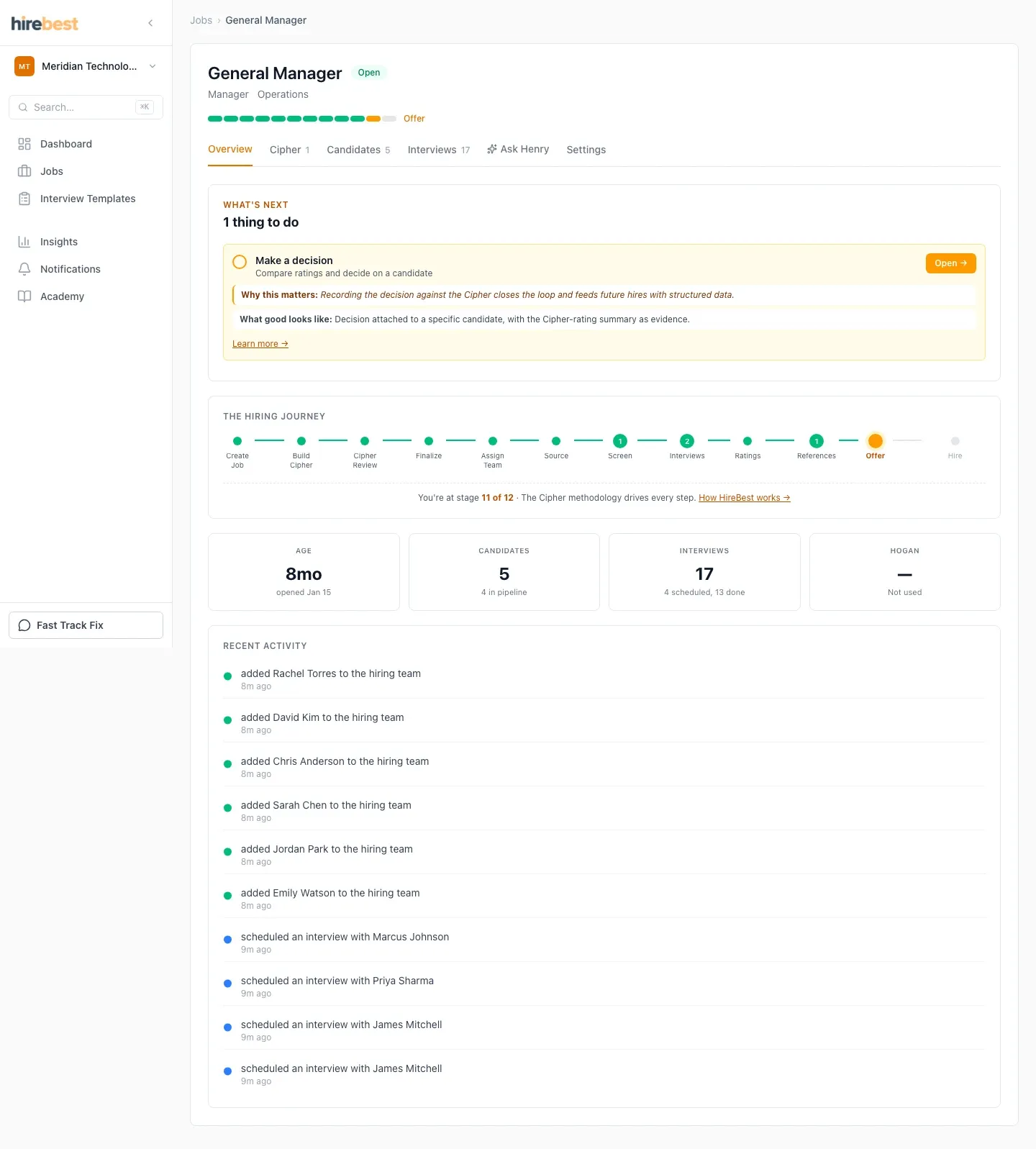
HireBest opens the new job on its Overview. This is the starting point for the rest of the hiring work.
-
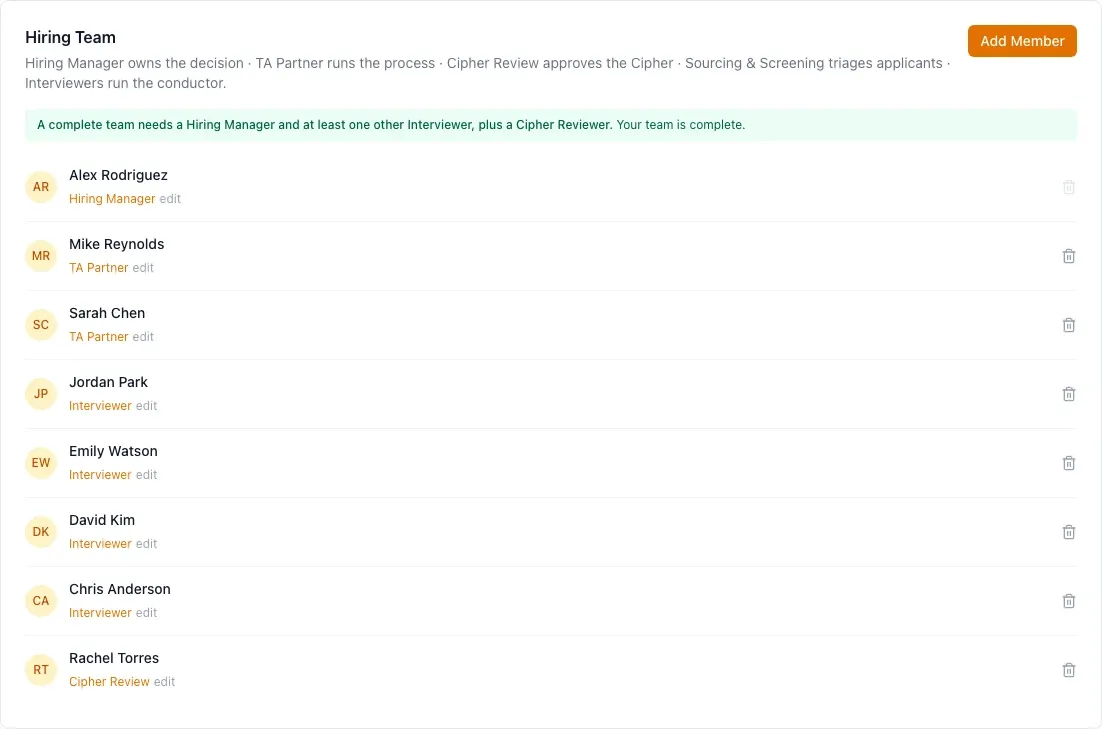
Check the hiring team. Add or adjust members so the right people can build and review the Cipher, work with candidates and take part in interviews.
-
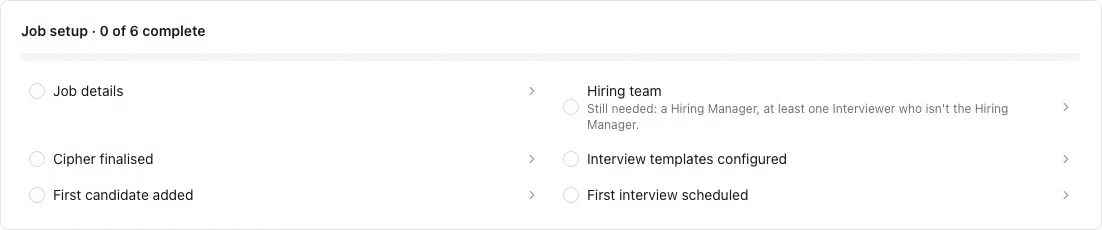
Use the readiness and next-action prompts on the overview. A new job normally still needs a finalised Cipher and an interview plan before the team is ready to interview.
What happens next
Build the Cipher before creating the detailed interview plan. The Cipher defines the outcomes and evidence the team will use throughout the hiring process.
Common problems
- You cannot see New job: ask an organization administrator to confirm your customer role and organization access.
- A colleague is missing from the hiring-team choices: they must first be a member of the organization.
- The overview still shows work to do: follow the incomplete readiness item. Creating the job does not create or finalise its Cipher automatically.