
Create or duplicate a template
Build a reusable interview structure without unexpectedly changing an established template.
Who can do this
Organization users with template-management access can create or duplicate templates.
Before you begin
Know the interview’s purpose, intended duration, interviewer audience and the evidence it should gather.
Create the template
-
Open the template library and either start a new template or open a suitable existing one.
-
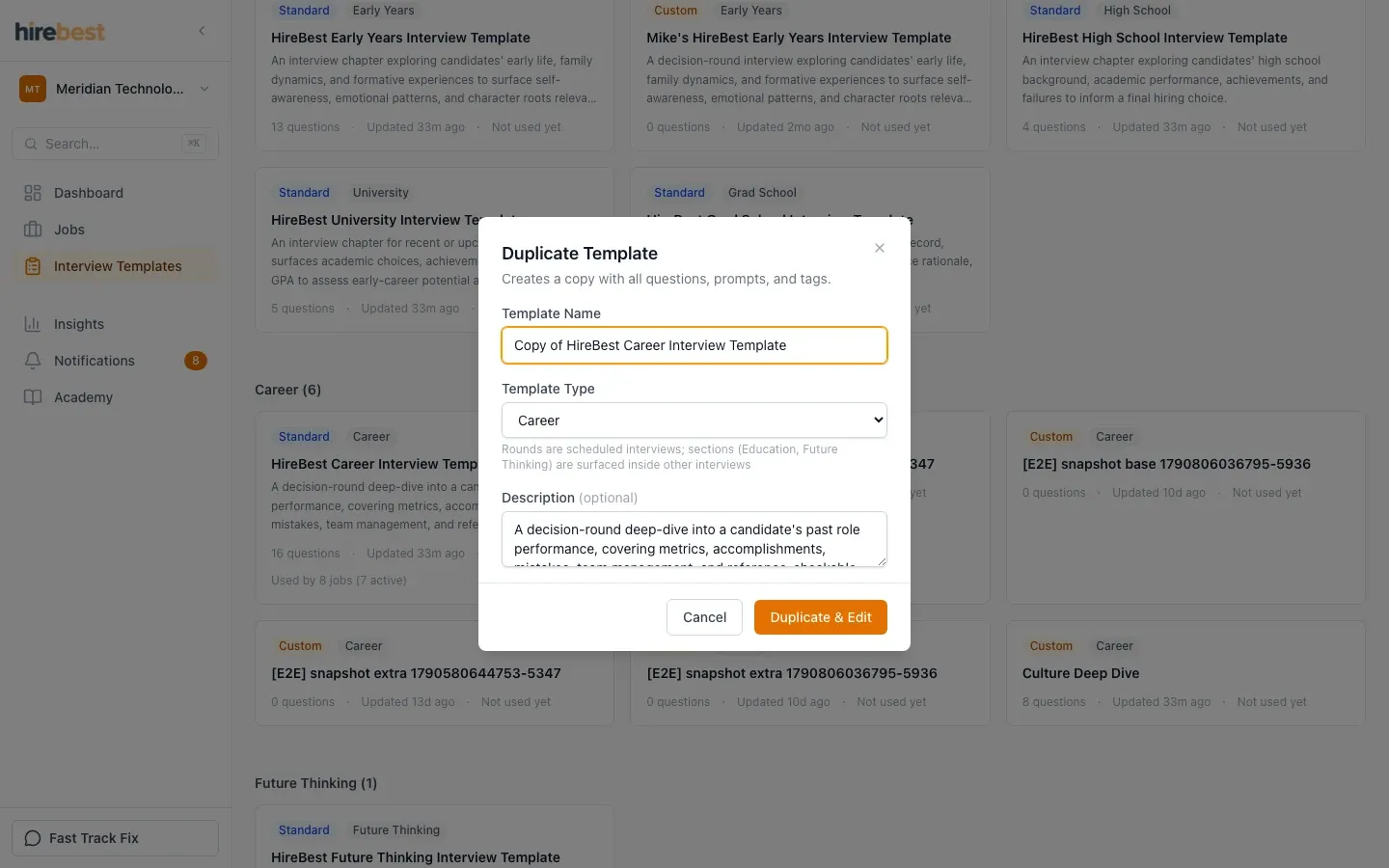
Use Duplicate when you want a safe starting point without altering the original.
-
Give the copy a clear name and update its purpose, questions and guidance.
-
Review the full structure before saving it for use in jobs.
What happens next
The template becomes available in the organization’s library. Add it to a job before scheduling an interview that uses it.
Common problems
- Duplicate is unavailable: your role may have view-only template access.
- The copy is hard to identify: rename it for its intended purpose before editing questions.
- Changes are not visible on an existing scheduled interview: update the job’s plan and confirm what is already scheduled.