
Add templates to a job
Create the interview plan that the hiring team will use to gather evidence for this job.
Who can do this
Organization administrators and job owners with interview-plan access can add templates to a job.
Before you begin
Use a finalised Cipher and agree which interviews are needed, their order and who should conduct them.
Build the interview plan
-
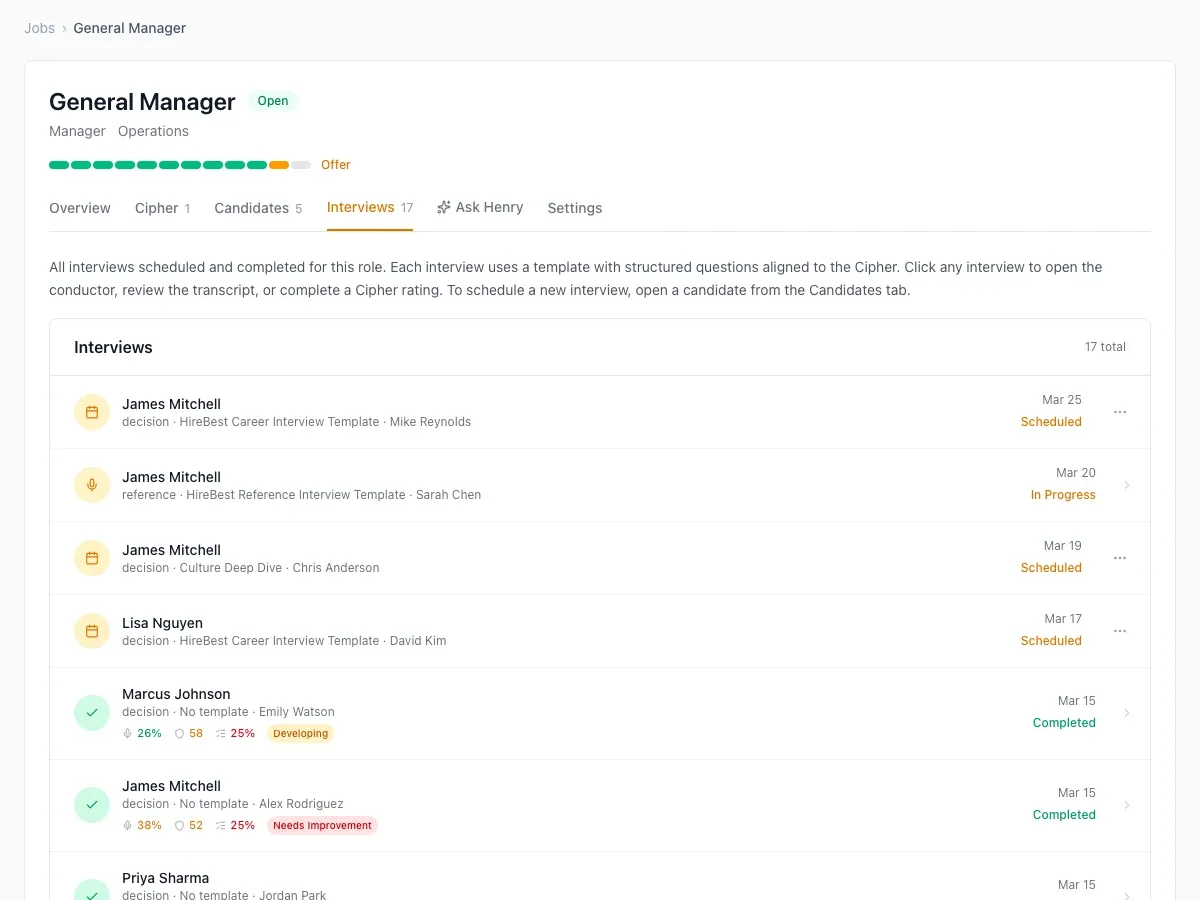
Open the job and select Interviews.
-
Add an interview from the available templates.
-
Review its purpose and place it in the intended sequence.
-
Repeat until the plan covers the evidence the team must gather.
What happens next
The plan is available when the team schedules interviews for candidates. Adding a template does not itself schedule a meeting.
Common problems
- A needed template is missing: create or duplicate it in the template library first.
- The plan does not cover a Cipher area: revise the interview mix before scheduling candidates.
- An interviewer is not available: update the hiring team or choose another appropriate colleague.