
Complete a Cipher rating
Rate the evidence you personally gathered against the finalized Cipher.
What a Cipher rating is
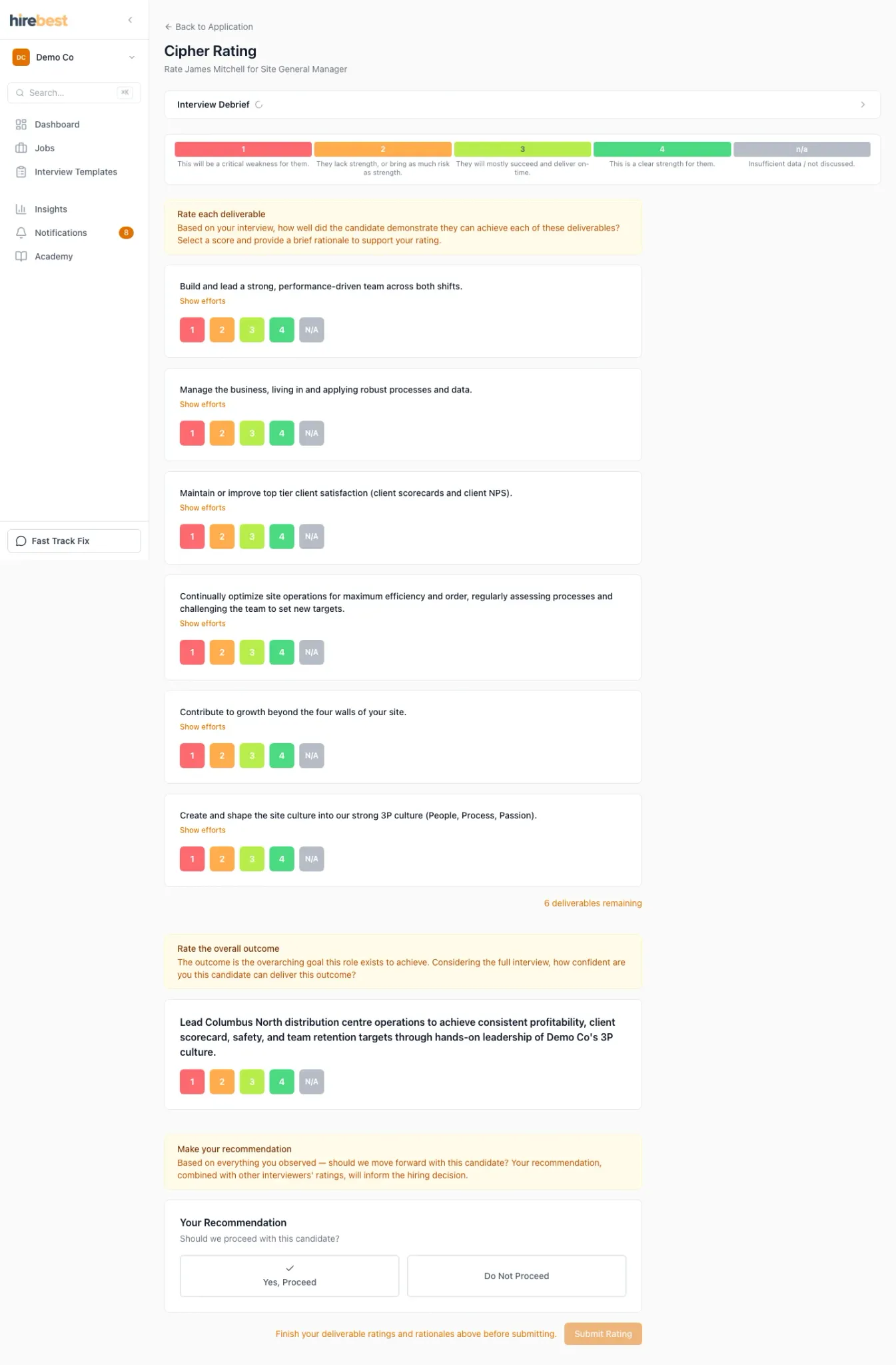
A Cipher rating is your scored judgment of one candidate after one interview. You score the candidate against the job's finalized Cipher, not against a general impression. A deliverable is a specific accountability the hire owns. The outcome is the measurable result that proves the hire succeeded. For each deliverable and for the outcome, you choose a score from 1 to 4 and write the evidence for it. Then you recommend whether to proceed with the candidate. Each interviewer rates on their own. HireBest combines the ratings on the application so the hiring team can compare them and make a decision.
| Score | Meaning |
|---|---|
| 1 | This will be a critical weakness for them. |
| 2 | They lack strength, or bring as much risk as strength. |
| 3 | They will mostly succeed and deliver on-time. |
| 4 | This is a clear strength for them. |
| N/A | Insufficient data / not discussed. |
Who can do this
The interviewer who ran the interview. Each interviewer completes their own rating for each interview.
Before you begin
The job must have a finalized Cipher. If the Cipher is still a draft when you end the interview, HireBest opens the interview review instead. When the Cipher is finalized, HireBest adds your rating and notifies you.
Submit your rating
-
Open the rating. When you end the interview, HireBest opens it for you. You can also open it from the notification "ready for your rating", or click Resume rating on the interview on the application's Interviews tab.
-
Optional: open Interview Debrief at the top to read the AI summary of the interview evidence.
-
Under Rate each deliverable, choose a score for each deliverable, or N/A if you did not discuss it. For each score, write a rationale. Quote or paraphrase what the candidate said in this interview.

-
Under Rate the overall outcome, choose a score or N/A. If you choose a score, write a rationale.
-
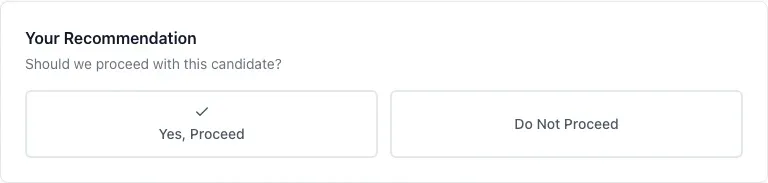
Under Make your recommendation, click Yes, Proceed or Do Not Proceed, then explain your recommendation.
-
Click Submit Rating. Submit only when the rating reflects your independent judgment.
HireBest saves your answers while you work. The heading shows All changes saved.
What happens next
HireBest opens the application. You cannot change a rating after you submit it.
HireBest hides the AI rating summaries from an interviewer until that interviewer completes their own rating. This helps each interviewer form an independent view first. The people who manage the job can see the summaries at any time.
When you submit, HireBest rebuilds the rating summaries on the application’s Cipher Ratings tab. The new summary appears after a short time. If a summary is missing or older than the newest rating, Summarize Ratings (AI) shows on that tab. Choose it to build the summary again.
Common problems
- Submit Rating is not available: every scored deliverable needs a rationale, the outcome needs a score (and a rationale if you scored it), and the recommendation needs a rationale. The message above the button says what is missing.
- You left before you submitted: your answers are saved. Click Resume rating on the interview on the application's Interviews tab.
- The link opens a read-only rating: you already submitted this rating.
- No rating opened after the interview: the job's Cipher is not finalized yet.