
Update company information
HireBest's AI reads your company profile when it helps with a Cipher, an interview briefing or an analysis. A good profile gives better results.
Who can do this
Admins and Super Admins.
Before you begin
Have your company website address and your LinkedIn company page address ready. The LinkedIn address has the form linkedin.com/company/your-company.
Steps
-
Click your organization's name at the top of the sidebar, then click Admin.
-
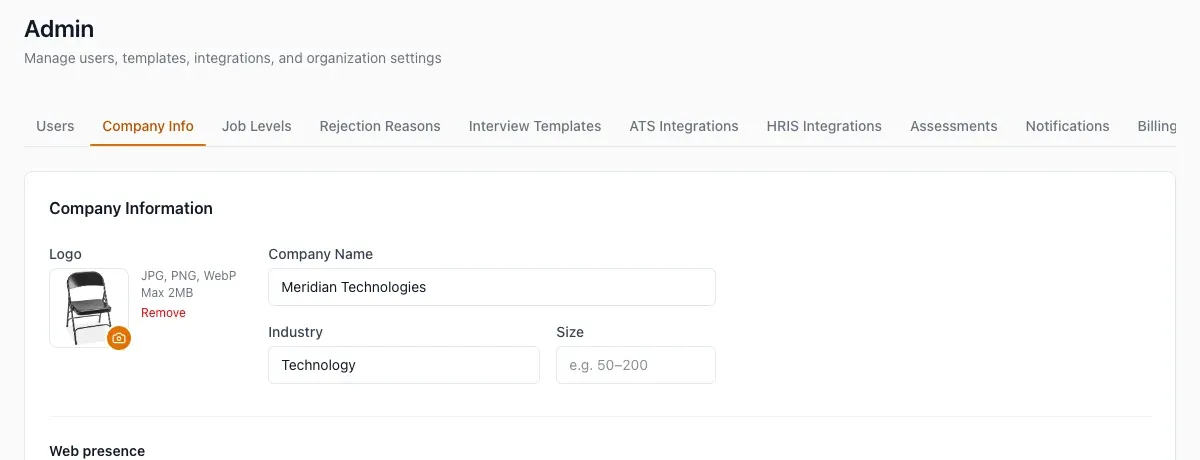
Open the Company Info tab.
-
To add a logo, click the camera button and choose a JPG, PNG or WebP file of 2 MB or less. The logo saves at once.
-
Enter Company Name, Industry and Size.
-
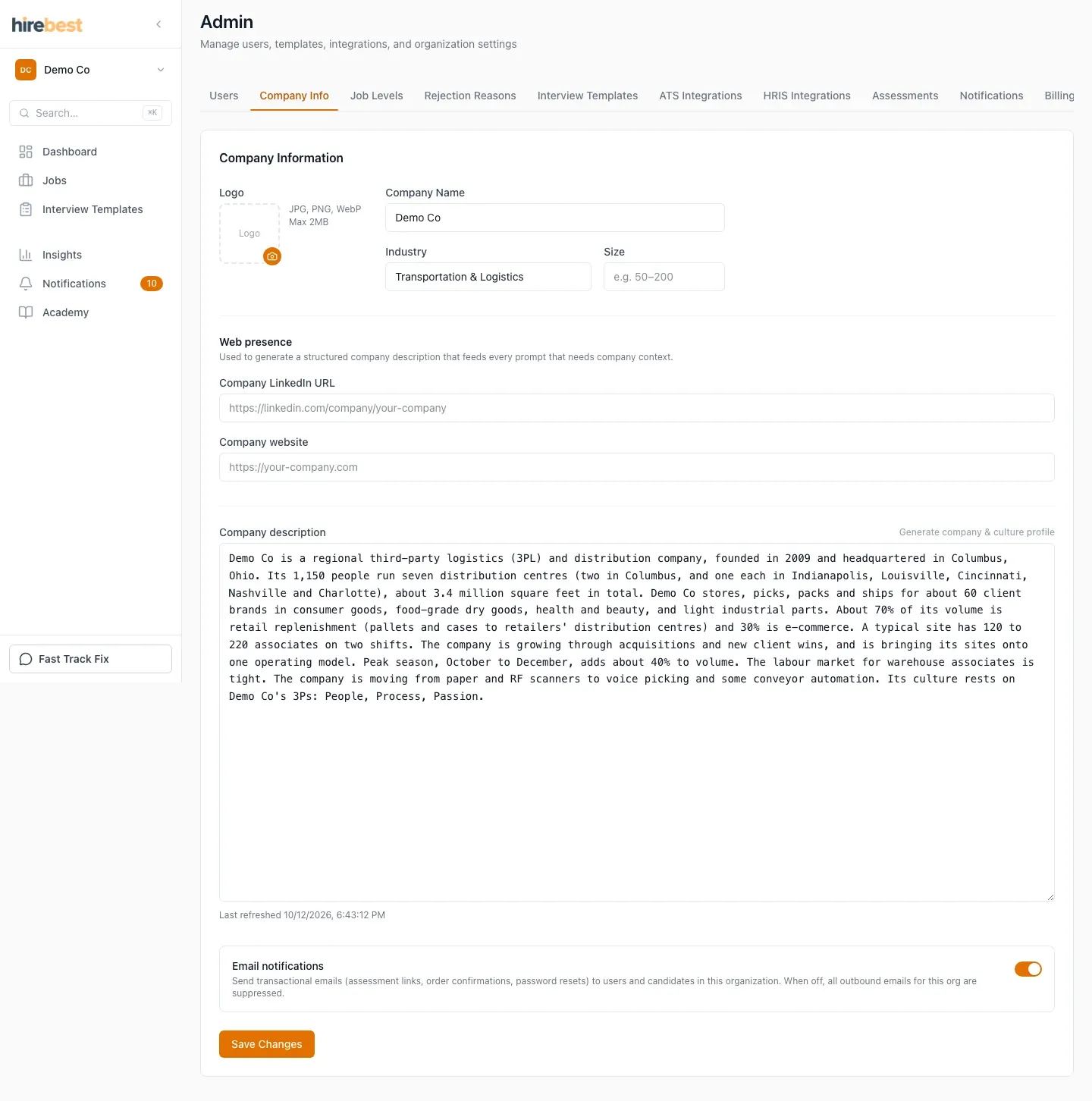
Under Web presence, enter the Company LinkedIn URL and the Company website.
-
Click Generate company & culture profile. HireBest reads the two pages and writes a description.
-
Read the description. Edit it if something is wrong or missing.
-
Click Save Changes.
What happens next
The status line shows "Queued", then "Generating description…", then "Last refreshed" with the time. If your organization has no logo, HireBest can take one from your website.
Common problems
- The generate button is greyed out: enter the LinkedIn address or the website first.
- "Must be a linkedin.com/company/… URL": use your company page address, not a personal profile.
- "Refresh failed": check that both addresses open in a browser, then try again.