
Understand offline recording and upload
HireBest can keep a completed recording safely on the phone when a connection is unavailable.
Check upload progress
-
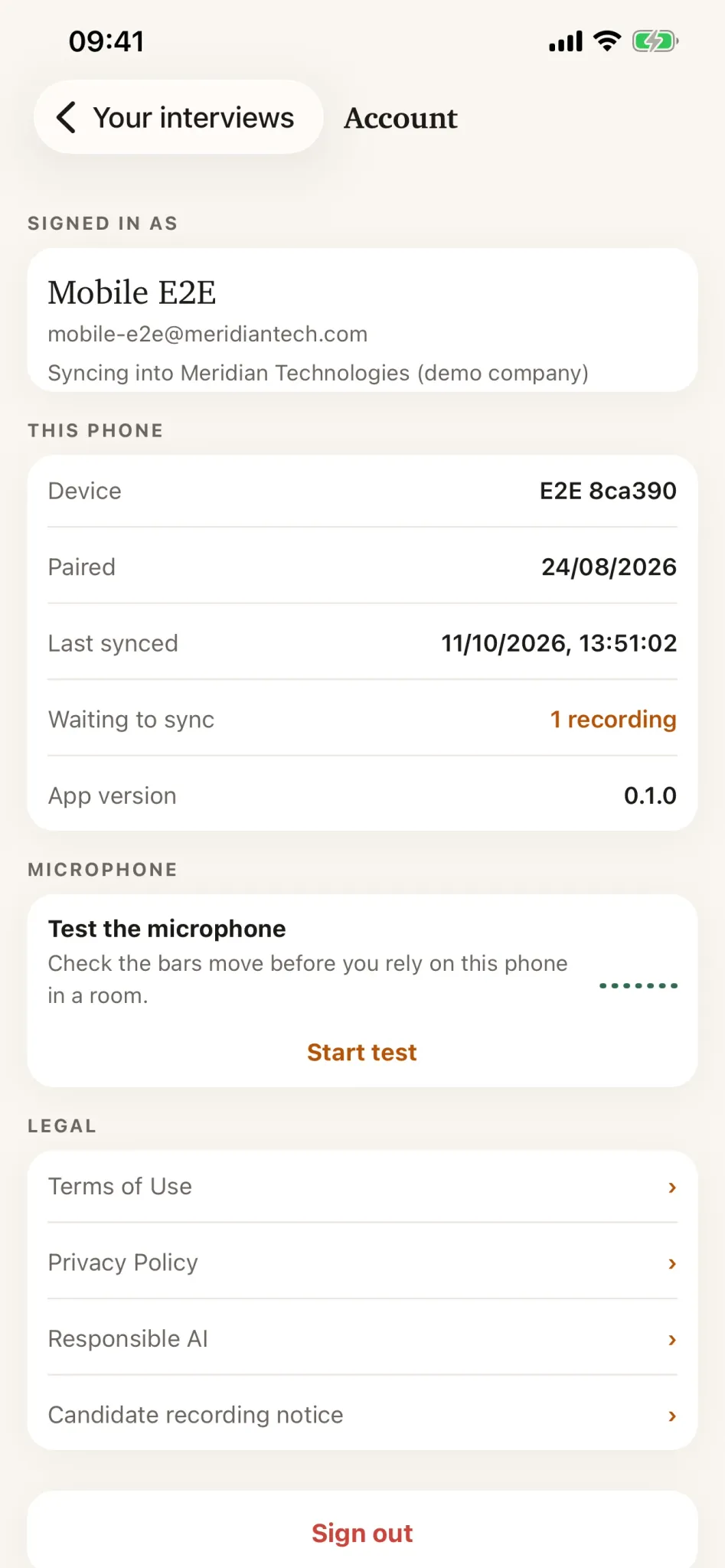
Open Account in the phone app.
-
Read Waiting to sync to see work still held on the device.
-
Reconnect the phone to a stable network and allow the app time to finish.
-
Do not uninstall the app while anything is waiting to sync. Removing the app can remove material that has not uploaded.
The recording stays on the phone until HireBest verifies its upload. A slow connection can therefore delay when the transcript and review become available on the web.