
Record an interview on your phone
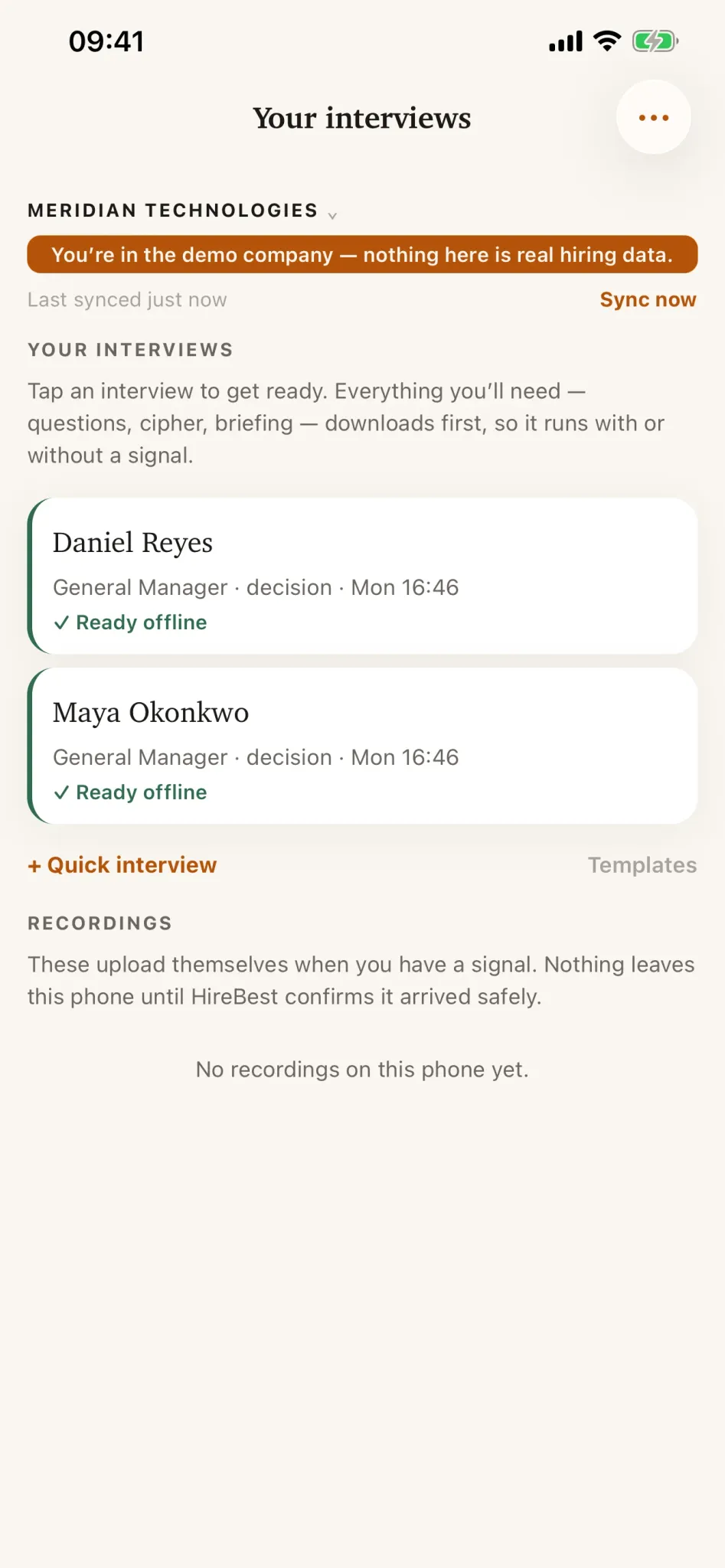
The mobile app shows upcoming interviews assigned to the paired user.
Record the conversation
-
Open the app while online so it can refresh your assigned meetings.
-
Open the correct candidate and interview. Review the interview details before recording.
-
Follow your organization’s consent process and read the consent wording shown in the app before starting.
-
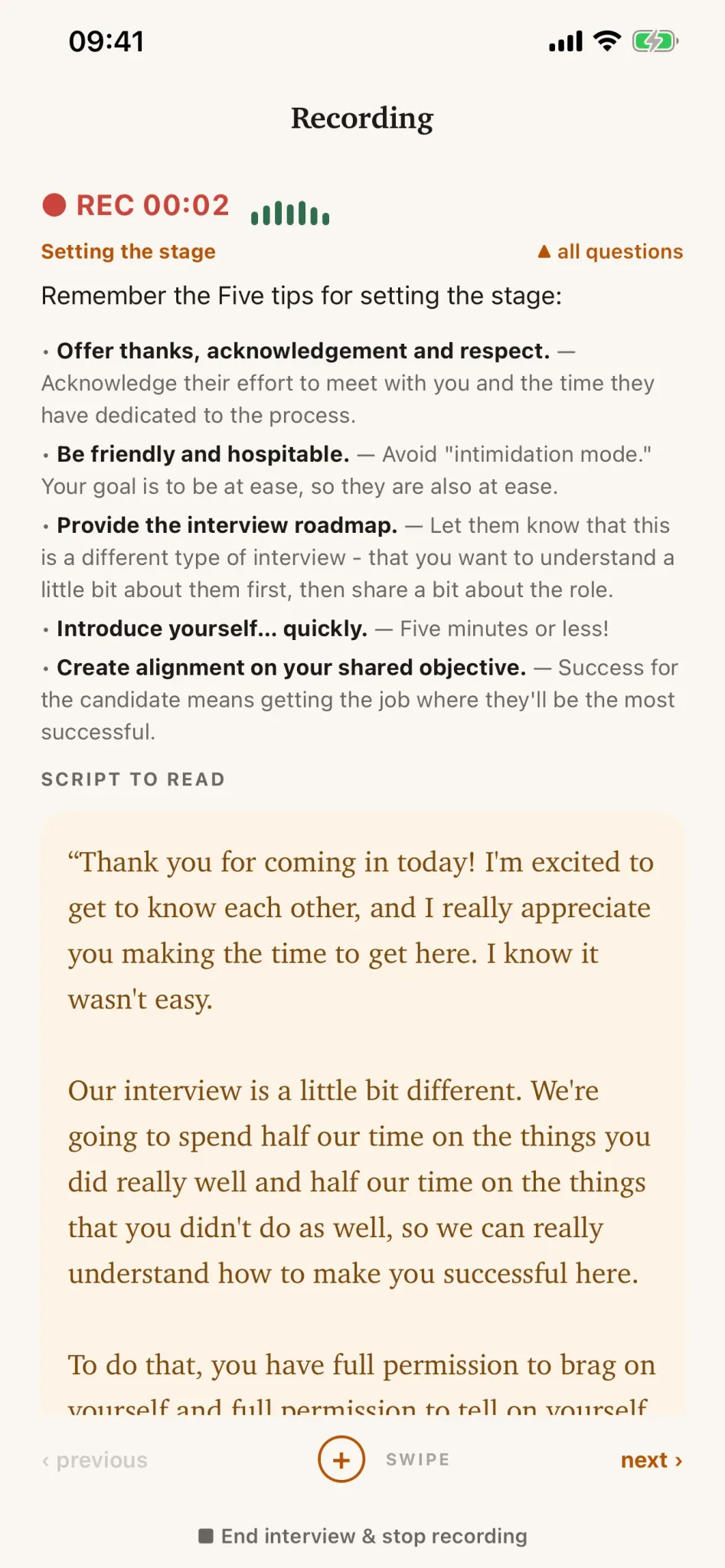
Check that the microphone indicator responds, then start recording.
-
Keep the app open during the interview. Stop and confirm when the conversation ends.
Common problems
- The interview is missing: confirm on the web that it is upcoming and assigned to you, then reopen the app while online.
- The microphone does not respond: use the microphone test under Account and check the phone’s microphone permission.
- The upload is pending: leave the app installed; the recording remains on the phone until verified upload.