
Order and monitor an assessment
Order the job’s configured assessment from the candidate application.
Order and track it
-
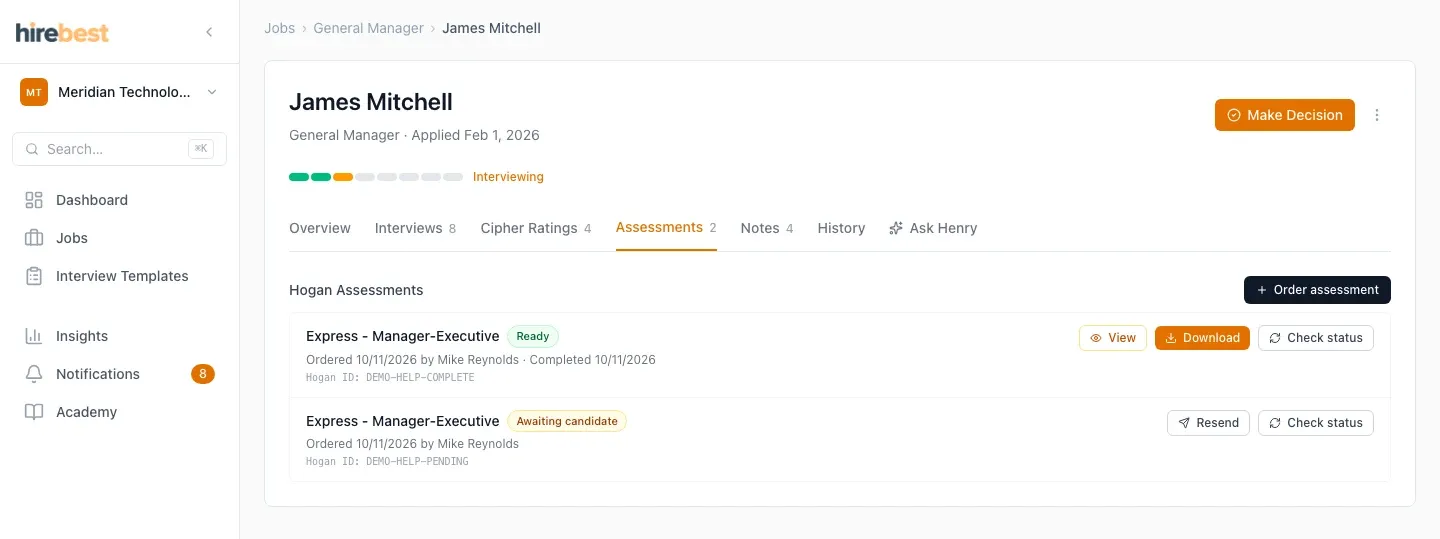
Open the candidate’s application and its Hogan section.
-
Confirm the candidate and selected product before ordering.
-
Monitor the status in HireBest. The candidate completes the assessment in Hogan’s participant experience.

-
Wait for processing to finish before expecting results.
Do not share access details or try to interpret an incomplete result. If the status does not update after the candidate finishes, contact support with the candidate and job names.