
Manage notifications
Notifications draw attention to activity and work items available to your account.
Review notifications
-
Open Notifications from the main navigation.
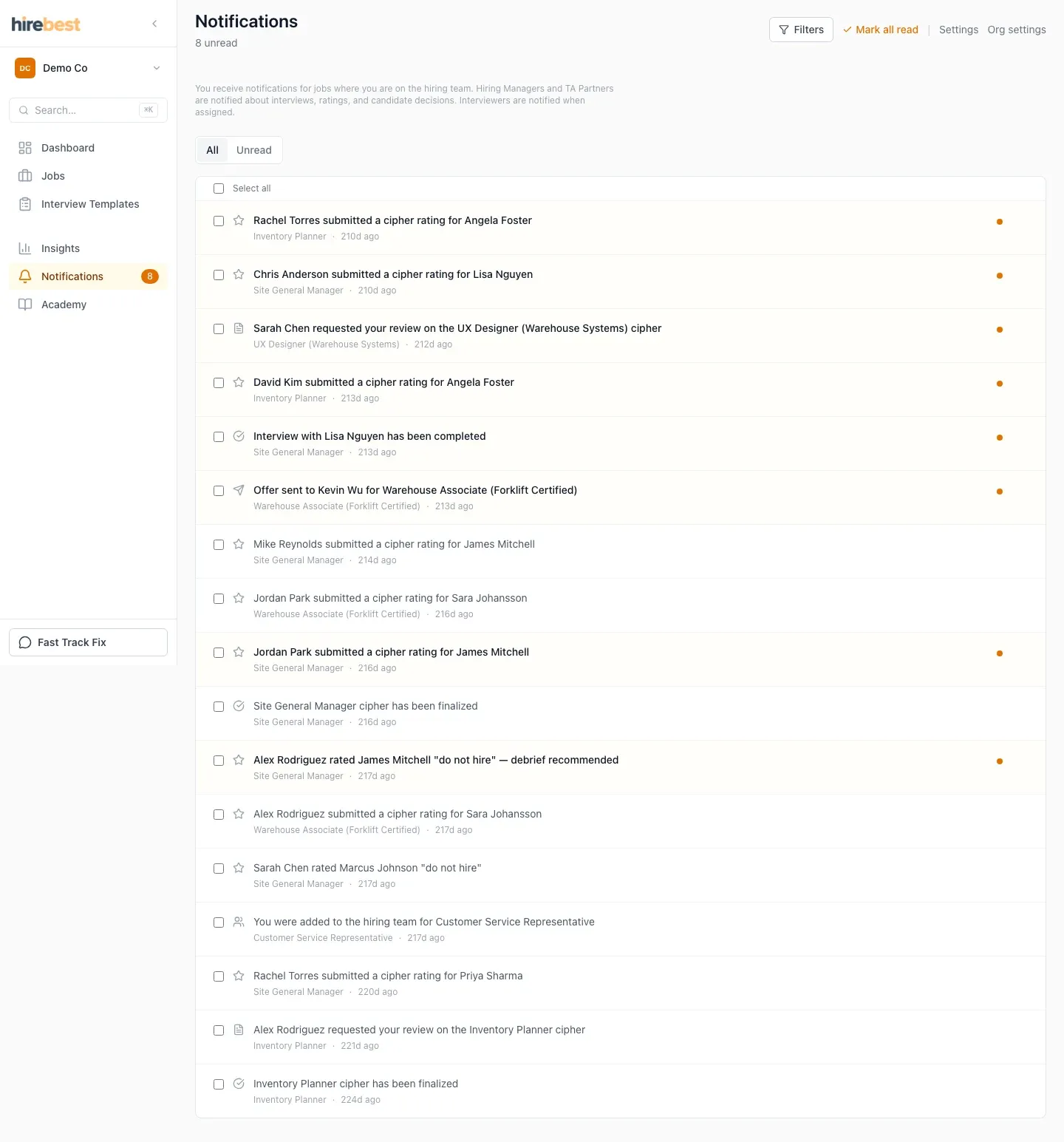
-
Open a notification to visit the related item.
-
Mark items as read as you work through them.
-
If a linked item is unavailable, check the active organization and your job access.
Email delivery is controlled separately in Account → Email Preferences.