
Move a candidate through stages
Update the application stage so the job pipeline reflects the hiring team’s actual next step.
Who can do this
Job team members with candidate-management access can change an application stage.
Before you begin
Confirm the job, candidate and agreed stage. Do not use a stage change as a substitute for recording a formal hiring decision.
Change the stage
-
Open the candidate record for the correct job.
-
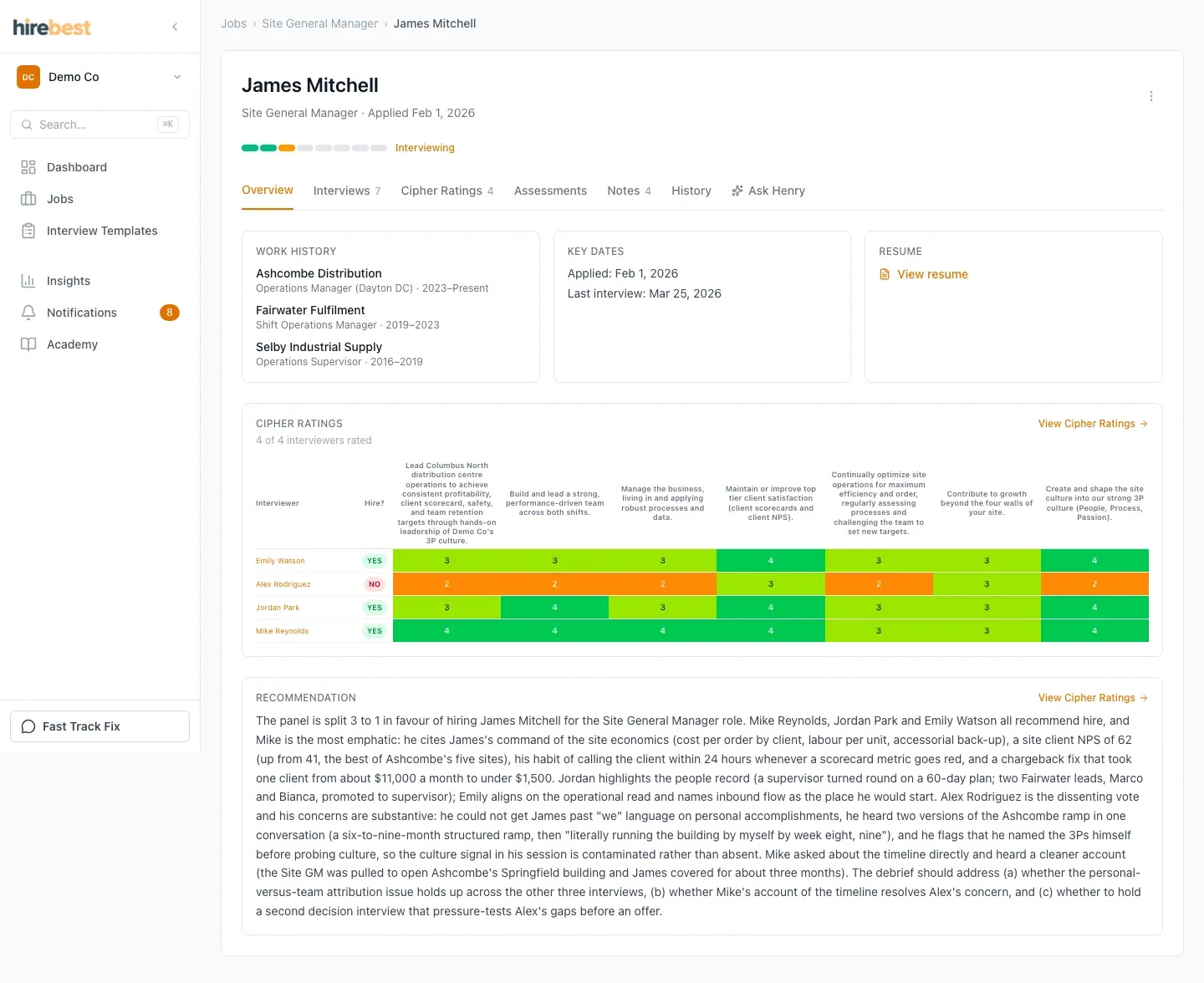
Open the stage control and select the stage that matches the current process.
-
Confirm the change and check the job pipeline.
What happens next
The job pipeline reflects the new stage. Other actions, such as scheduling interviews or recording a decision, may still need to be completed separately.
Common problems
- The stage control is unavailable: ask the job owner to confirm your hiring-team responsibility.
- The wrong application changed: return to the intended job and open the candidate from its pipeline.
- The pipeline does not update immediately: refresh the job after the stage change completes.