
Manage your profile and security
Your account settings apply to your user across the organizations you can access.
Update your account
-
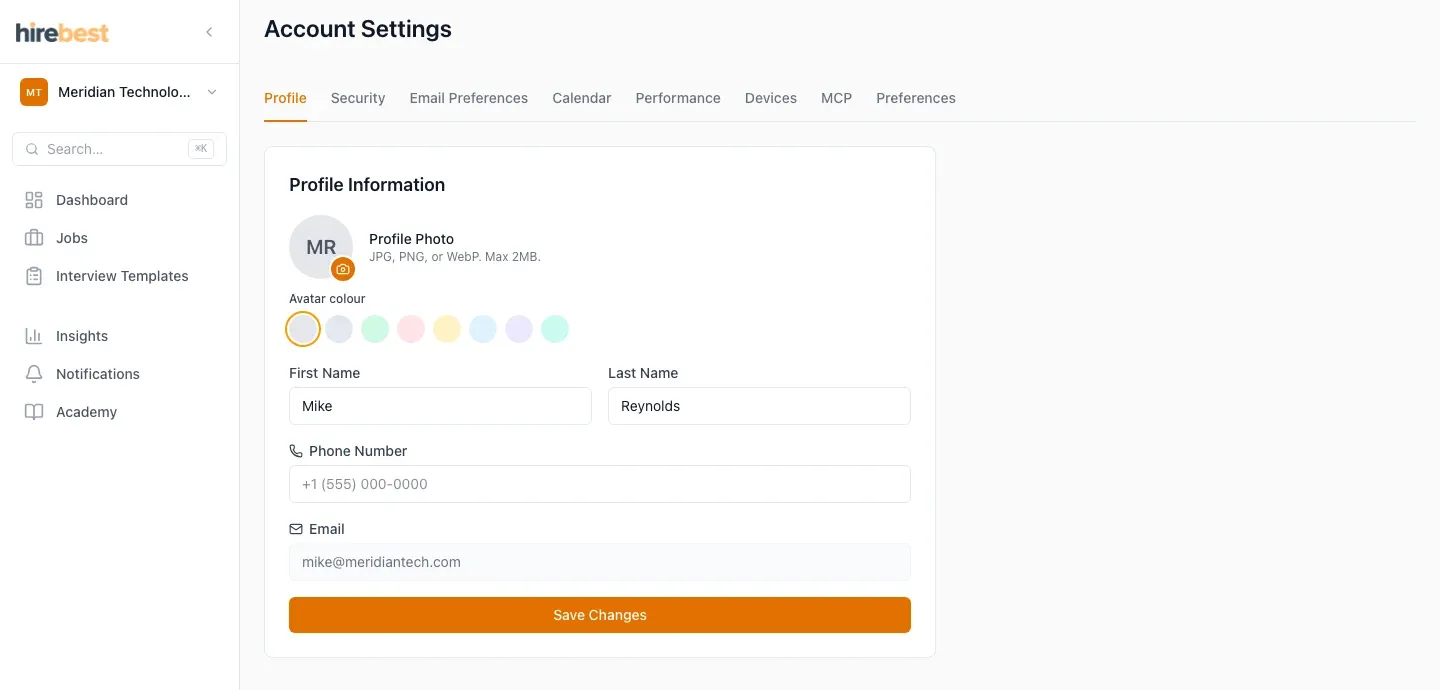
Open Account and use Profile to update your name, phone number or profile photo.
-
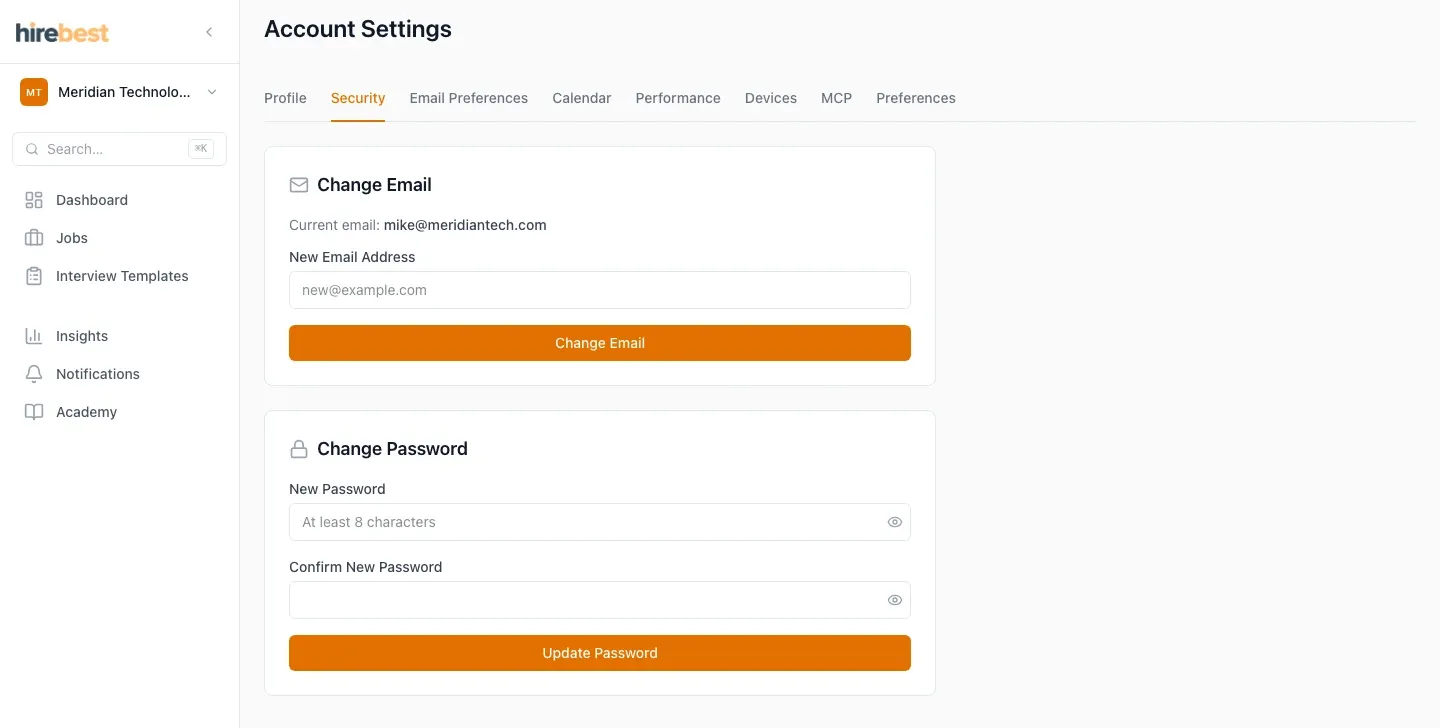
Use Security to change your email address or password.
-
Follow any confirmation instructions sent to your email address.
Use a unique password and never share your account. If you cannot sign in, use Forgot password on the sign-in page.