
Manage paired devices
Use Account → Devices to control which phones are linked to your user.
Review device access
-
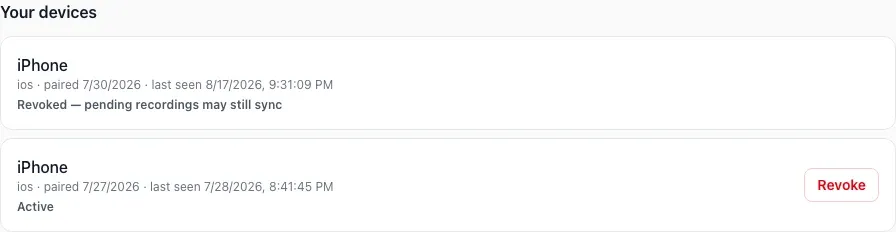
Open Account, then Devices.
-
Approve only a pending request you initiated and recognize.

-
Revoke a phone you no longer use or recognize.
Before replacing or removing the app from a phone, check Waiting to sync in the phone app. Keep it installed until pending recordings have uploaded.