
How do I enable Hogan Assessments for my organization?
You must be an Admin or Super Admin to turn on Hogan Assessments. Assessments you order are charged to a card, so you add a payment card first.
- Click the organization name at the top of the sidebar, then click Admin.
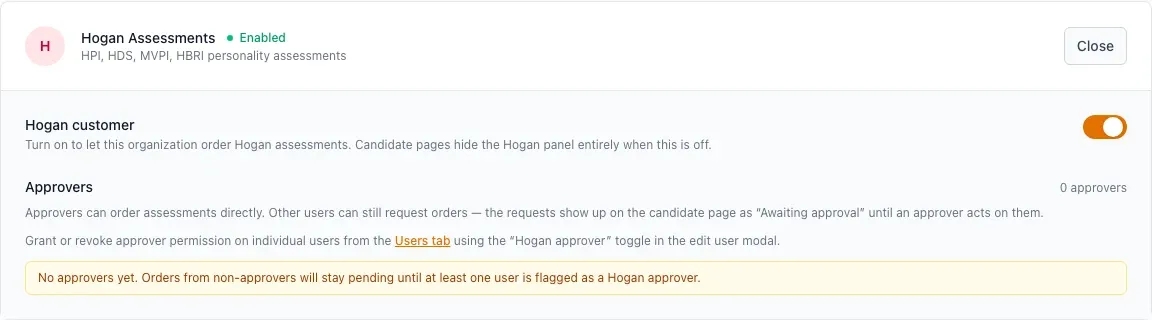
- On the Assessments tab, turn on Hogan.
- Name the people who approve Hogan orders. An approver's own orders go straight through; other people's orders wait for an approver.
- Add a payment card.
Each job then chooses which Hogan reports are available for the role, in the job's Settings tab. See How do Hogan Assessments work? and Turn on Hogan and add a payment card.