
How do I add a job?
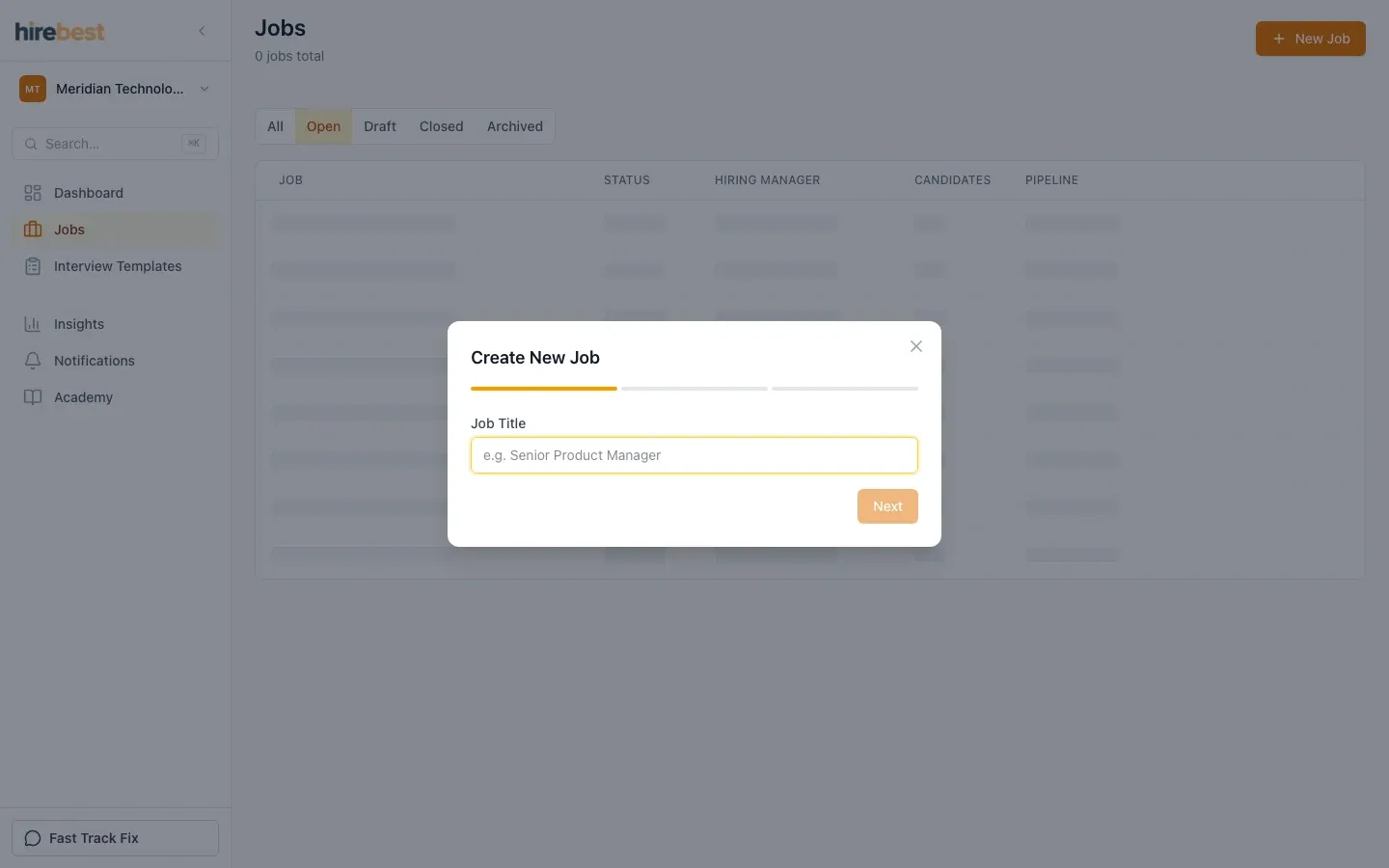
- In the sidebar, click Jobs.
- Click New Job.
- Fill in the job details. Depending on your role in your organization, you may not see every field.
- Create the job. HireBest opens the job and adds the Hiring Manager to its hiring team.

Now it's time to think about who you want on your hiring team, and to build the job's Cipher. If you have a job description, bring it to Cipher Coach as the starting point.
- How do I create the hiring team?
- What is a Cipher?
- Create and configure a job, with every step in detail.