
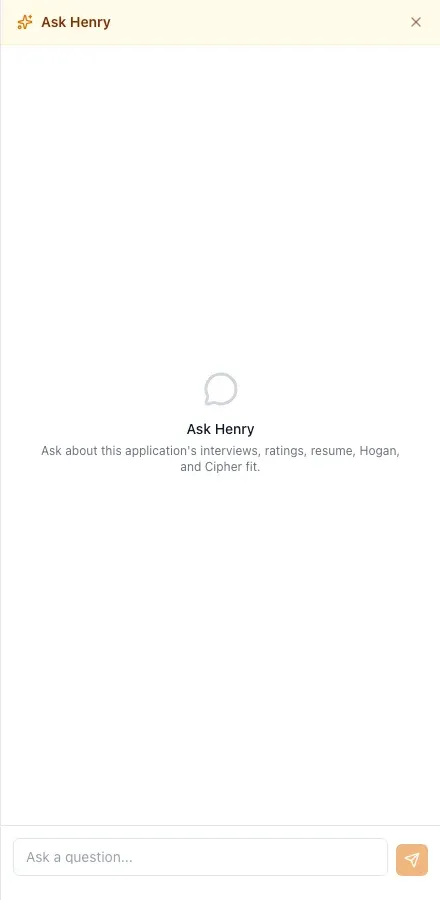
Ask Henry about your current work
Henry helps you explore the job, candidate or interview information you are permitted to see.
Ask a useful question
-
Open the relevant HireBest record before opening Ask Henry.
-
Ask a specific question about the evidence or workflow in that context.
-
Follow references back to the underlying record where available.
-
Check consequential claims yourself. Henry assists your work; it does not make hiring decisions.
-
To keep an answer, select Download PDF under it. The PDF is titled "Ask Henry brief". It shows Henry's answer, the name of the candidate or the job, and the date. Each page says "Generated by Ask Henry, check before sharing". Check the PDF before you share it.
- "You can no longer open this answer." shows when you lost access to the record.
- "The PDF could not be made. Try again." shows when the download failed. Select Download PDF again.
Avoid entering information that does not belong in the candidate or job record.
Henry cannot record feedback, problems or requests for new features, and cannot send them to the HireBest team. If you tell Henry about a problem, Henry says so and tells you to use Report a problem in the Help menu. See Get help in HireBest.