
Sign in and find your workspace
Sign in to reach the hiring work shared with you and check that HireBest has opened the organization you intend to use.
Who can do this
Anyone with an active HireBest account and membership of at least one customer organization can sign in.
Before you begin
Use the email address associated with your invitation. If your organization uses more than one workspace, know which organization contains the job you need.
Sign in
-
Open the HireBest sign-in page and enter your account details.
-
After sign-in, check the organization name at the top of the main navigation.
-
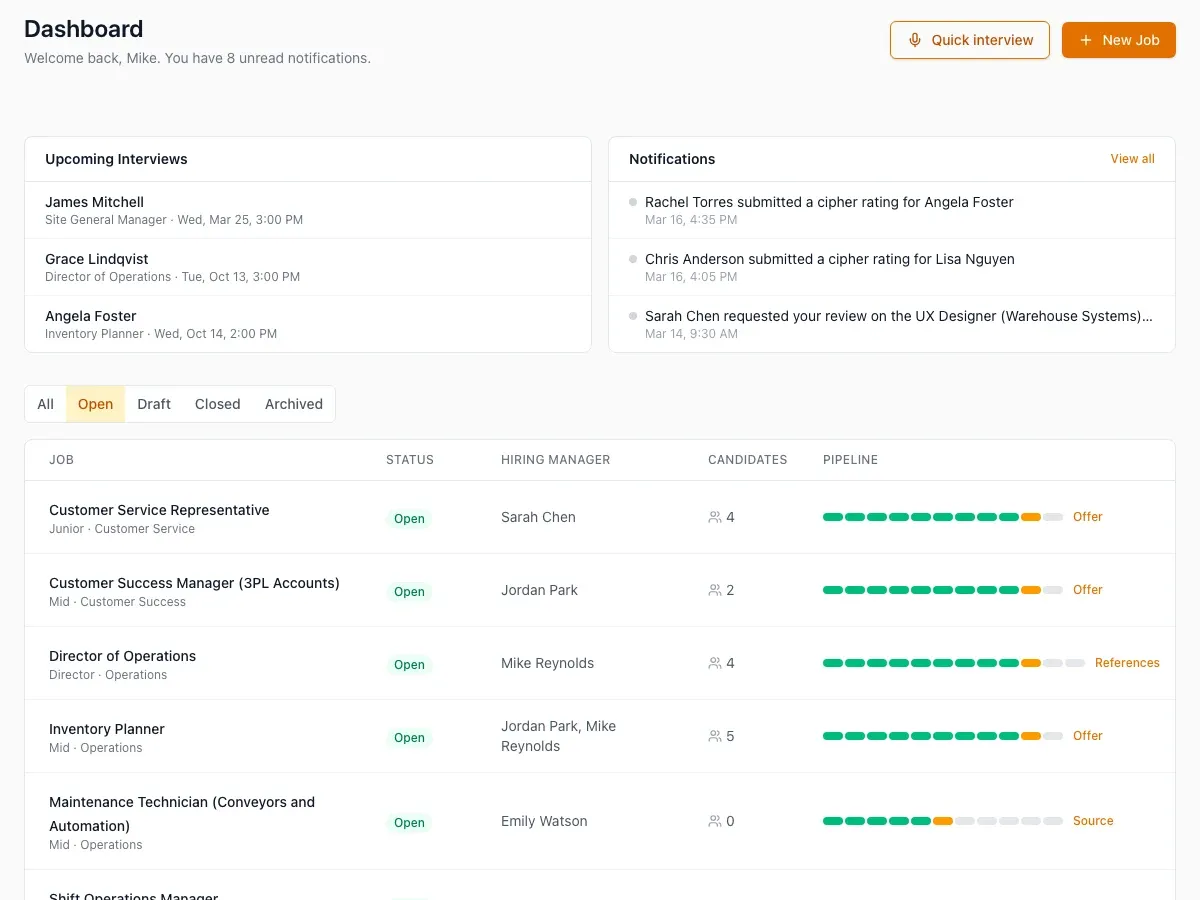
Use the dashboard and navigation to open your assigned work.
What happens next
HireBest keeps your current organization selected while you move between its jobs, candidates and interviews. Switch organizations before starting work if the name shown is not the one you need.
Common problems
- Your sign-in is rejected: use the password-reset option and the same email address that received the invitation.
- No organization is available: ask an organization administrator to confirm your membership.
- The expected job is missing: first confirm the organization, then ask the job owner to check your hiring-team access.