
How do I add or edit interview templates?
Your organization has the standard HireBest interview templates by default. However, we understand that you may want to customize your interview templates for specific needs.
Admins and Super Admins of your organization manage its templates.
- In the sidebar, click Interview Templates.
- Create a new template, or duplicate an existing one to use it as the starting point.
- Open your template to edit it. You can:
- change the name of the template and its type
- edit each question and add follow-up prompts to it
- reorder questions by drag and drop
- add new questions and delete the ones you don't want
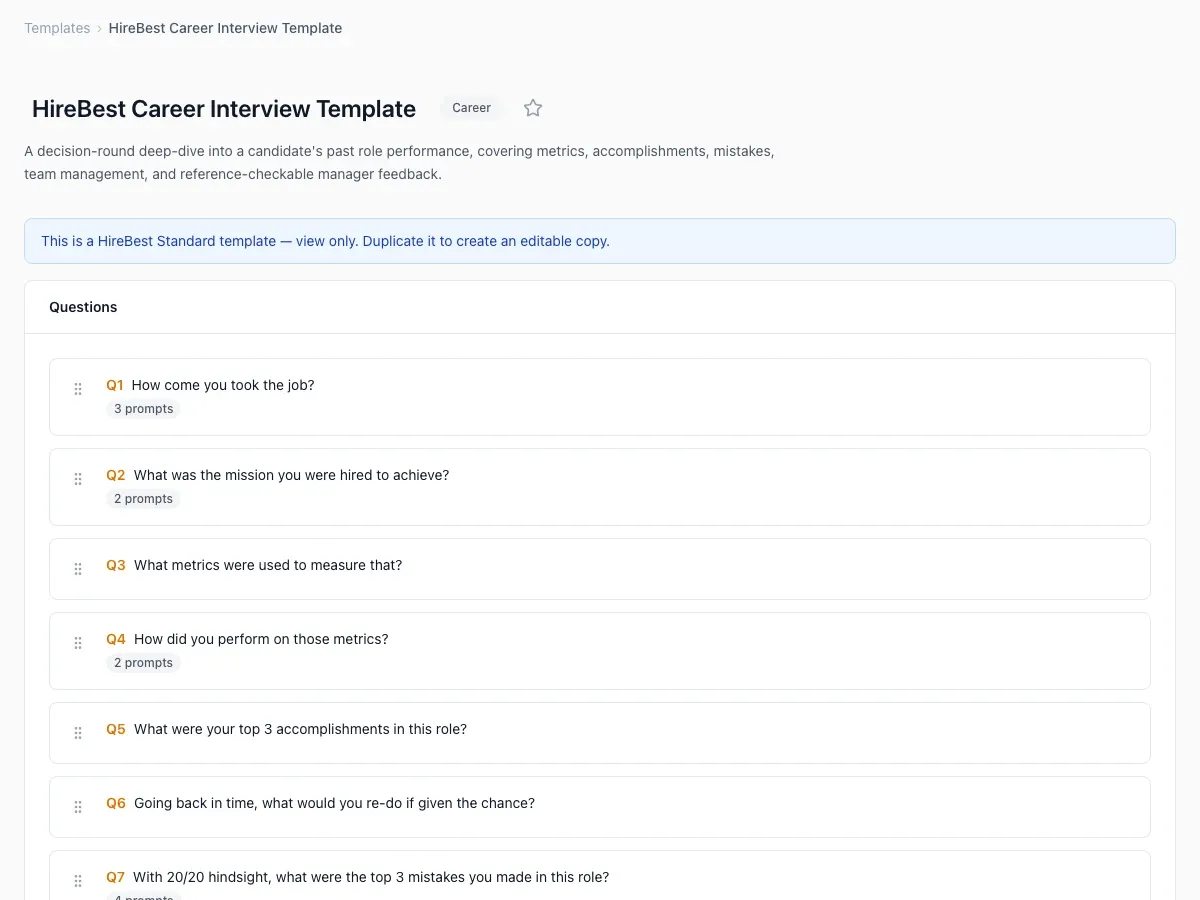
The standard templates are view only. Duplicate one to make an editable copy. See Can I modify the standard HireBest interview templates? and Create or duplicate a template.
To use the template in a job, see Using custom interview templates.