
How do I edit a job?
- Open the job and click the Settings tab.
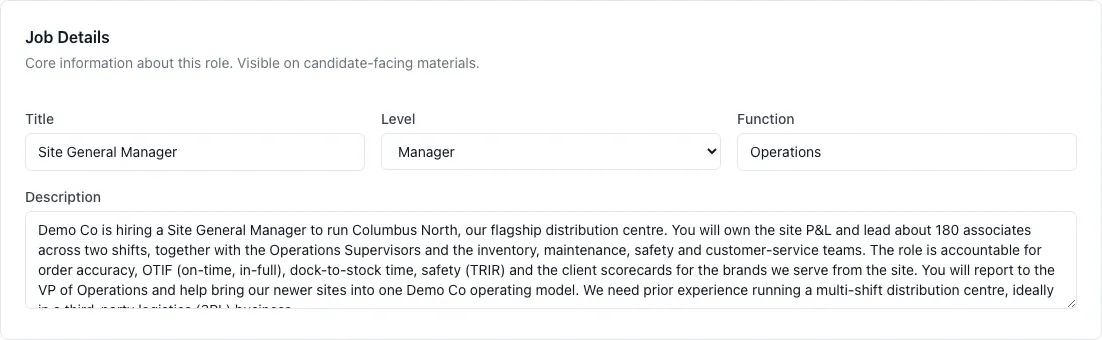
- In the Job Details section, change the Title, Level, Function or Description.
HireBest saves your changes automatically.
The job's Hiring Manager, its TA Partner, and Admins can edit a job. The other sections of the Settings tab are described in What are the job settings?